
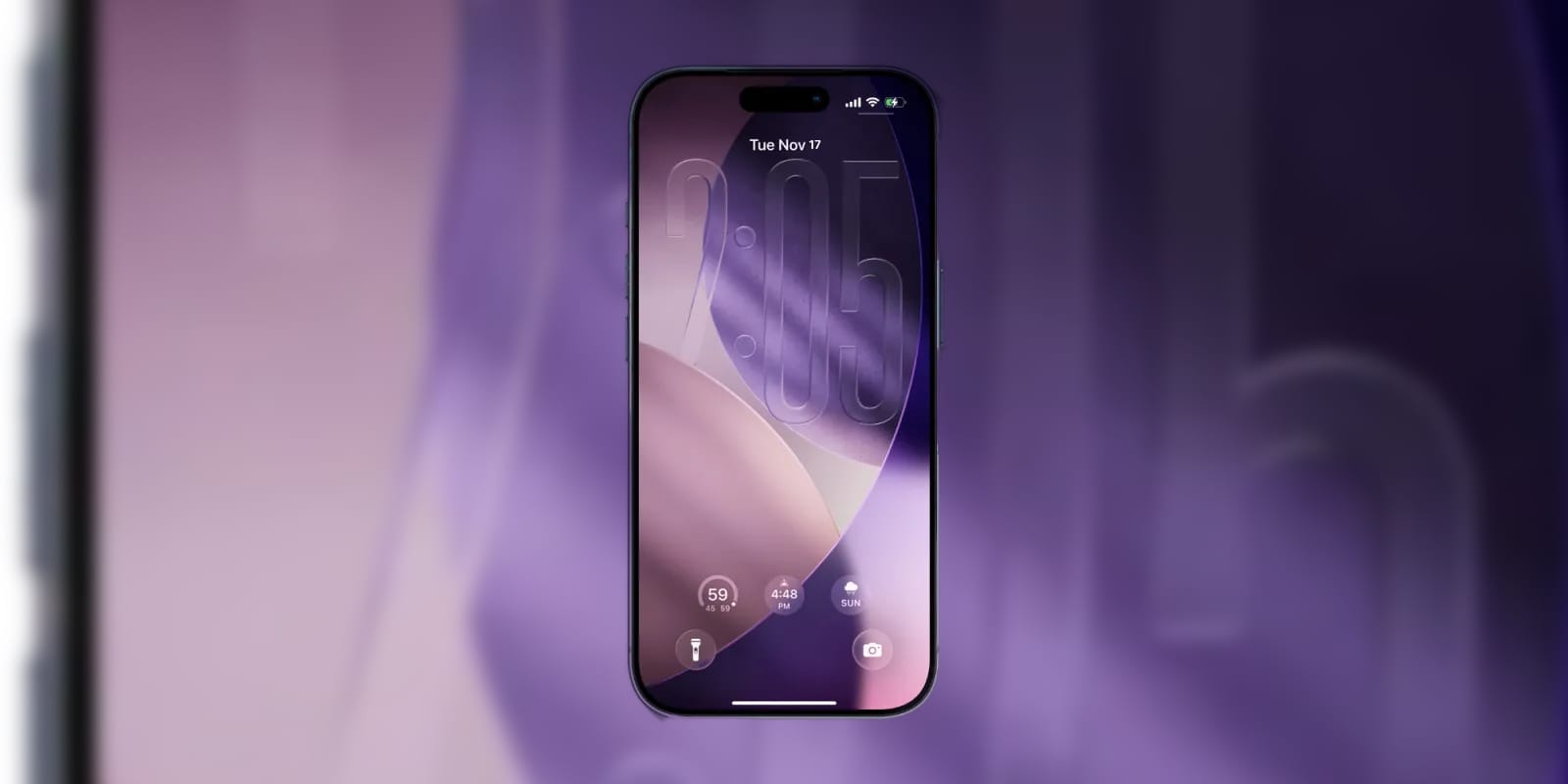

As an Apple developer, I get to see some really great first looks at what Apple is doing. iOS 26.2 Beta 2 is a great example of this.
You see, I haven't been the biggest fan of Liquid Glass as a whole. I get what Apple is doing with it and why. I just haven't liked the problems it has created with transparency and accessibility.
Apple just dropped iOS 26.2 Beta 2, and there's one change that you'll notice the moment you pick up your iPhone. The Liquid Glass animations have gotten noticeably smoother and more fluid. This isn't a feature you need to hunt for in settings or memorize new gestures to use. It's something you'll feel every single time you unlock your phone or interact with your Lock Screen.
Liquid Glass is Apple's name for the visual effect that makes interface elements respond to your touch like they're made of thick, translucent fluid. When you swipe up to unlock or tap a notification, the animations flow with weight and momentum. The Beta 2 release refines these animations to respond faster and feel more natural under your finger.
The improvement is most obvious on the Lock Screen. Notifications now expand and contract with smoother motion when you tap them. Swiping between Lock Screen pages feels more connected to your finger movement. Even small interactions like pulling down Control Center have added polish that makes the whole experience feel more responsive.
Real Glass Protection for Liquid Glass
If you want to protect that gorgeous display while enjoying these new animations, a quality screen protector will keep everything looking pristine. The Spigen AluminaCore screen protector uses aluminum-enhanced tempered glass that's nearly as smooth as the bare screen. It includes an easy alignment tool that takes the guesswork out of installation.
Here's where to get the Spigen AluminaCore screen protector:
https://www.amazon.com/dp/B0D84YX465?tag=nextlevelmac-20&linkCode=ogi&th=1&psc=1&gbOpenExternal=1
Developer-only access, but not for long
iOS 26.2 Beta 2 is only available to developers right now, but the public beta should arrive within a week or two. The final release will likely ship in December alongside other refinements to iOS 26's feature set. You don't need to run beta software to enjoy Liquid Glass since it launched with iOS 26.0, but these animation improvements are worth looking forward to.
Apple has been gradually evolving iOS's visual language since iOS 7 dropped skeuomorphism back in 2013. Liquid Glass represents the latest step in making the iPhone interface feel less like tapping buttons on a screen and more like manipulating physical objects. The animations in iOS 26.2 Beta 2 push that metaphor further without getting in the way of actually using your phone.
The timing makes sense for Apple to be polishing these details now. The holiday shopping season is about to kick off, and these kinds of refinements help the iPhone feel fresh when people are comparing devices in stores. It's one more reason the iPhone continues to feel premium compared to alternatives.
Whether you're running the beta or waiting for the public release, iOS 26.2's improvements to Liquid Glass animations are the kind of quality-of-life upgrade that makes your iPhone feel better to use every day.

Related Posts
Secure Your Apple Life: The Ultimate iCloud Security Audit (2026)
Dec 04, 2025
Apple Pencil Pro: 5 Features You're Probably Not Using
Nov 28, 2025
Apple's Google Gemini Deal: What It Means For Siri In 2026"
Nov 28, 2025