
You spend hours perfecting an image on your Mac, adjusting colors until everything looks just right. Then you send it to print or share it with a client, and the colors are completely wrong. The problem isn't your editing skills—it's your uncalibrated display.
Mac displays ship from the factory with decent color accuracy for everyday use, but professional creative work demands precision that factory settings can't deliver. Display panels drift over time as backlights age and environmental conditions change. Without calibration, you're making editing decisions based on inaccurate information.
macOS Tahoe includes basic color management through Display Preferences, where you can choose from built-in color profiles. These profiles provide a starting point, but they're generic settings that don't account for your specific display's characteristics or your workspace lighting conditions. Real color accuracy requires measuring your actual display and creating a custom profile.


Affiliate disclosure: some links in this article are Amazon Associate links. If you buy through them, Next Level Mac may earn a small commission at no extra cost to you, and we only recommend products that genuinely bring value to your Mac setup.
The hardware calibrator sits on your display and measures how it reproduces colors, then creates an ICC profile that corrects any deviations from the target color space. This profile tells macOS exactly how to adjust the signal it sends to your display so colors appear accurate.
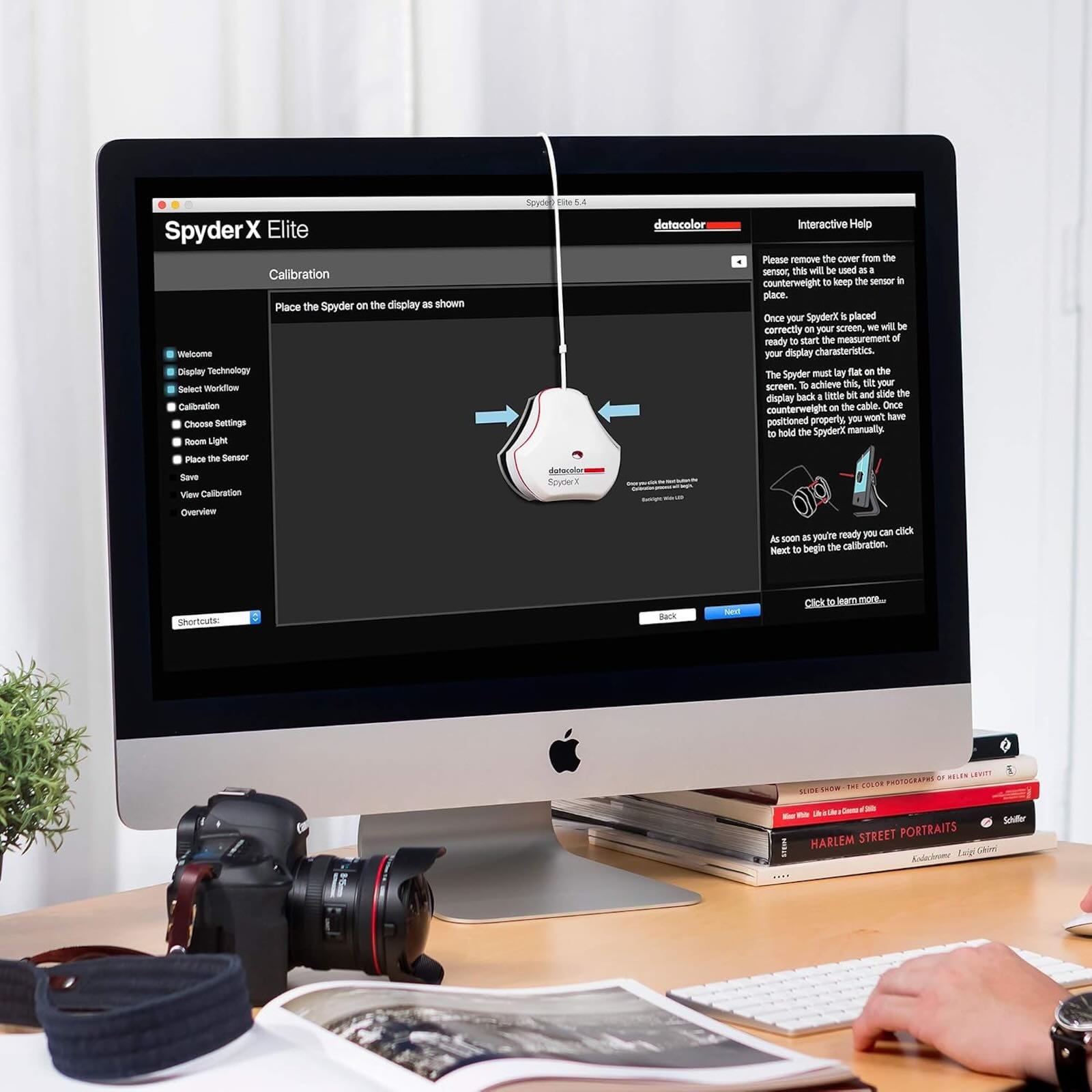
The Datacolor SpyderX Pro uses a lens-based color engine that delivers faster and more accurate measurements than older technologies. The device measures your display's color output across the visible spectrum, checking how accurately it reproduces reds, greens, blues, and everything in between. It also measures brightness levels, contrast ratio, and gamma curve to ensure your entire tonal range displays correctly.
Where you can get the Datacolor SpyderX Pro https://www.amazon.com/dp/B07M6KPJ9K?tag=nextlevelmac-20
Professional calibration takes your ambient lighting into account. The SpyderX Pro includes an integrated ambient light sensor that measures room brightness. This matters because the same color on your display will appear different in bright daylight versus dim evening light. The sensor can automatically adjust your display profile based on current lighting conditions, or simply remind you to recalibrate when light levels change significantly.
The calibration process starts by launching the SpyderX software and answering a few questions about your display type and intended use. The software guides you through positioning the sensor on your screen—it hangs over the top edge and rests flat against the panel. The calibration then runs automatically, displaying a series of color patches while the sensor measures how your display reproduces each one.
Most calibrations complete in under two minutes. The software builds a custom ICC profile based on the measurements, then saves it to your Mac. macOS automatically uses this profile whenever you're working with color-managed applications like Adobe Photoshop, Lightroom, Final Cut Pro, or DaVinci Resolve.
The X-Rite i1Display Pro represents the professional standard for display calibration. It offers more advanced features and controls than consumer-level tools, making it the choice for photographers and designers who need maximum precision. The device uses a spectrally calibrated sensor that can be field-upgraded to support future display technologies.
This is where to buy the X-Rite i1Display Pro https://www.amazon.com/dp/B0055MBQOW?tag=nextlevelmac-20
The i1Display Pro includes both Basic and Advanced modes. Basic mode works similarly to the SpyderX Pro with a wizard-driven interface that guides you through the process. Advanced mode opens up professional controls over white point, luminance targets, gamma curves, and patch set sizes. You can create highly customized profiles for specific workflows, like matching multiple displays or calibrating for specific output conditions.
The i1Profiler software supports video and broadcast standards including Rec.709, Rec.2020, and DCI-P3. Video editors can create profiles that match industry standards, ensuring their Mac displays colors the same way broadcast monitors or cinema projectors will. The software can also generate 3D LUT files for external monitors and video equipment.
Multi-monitor setups require special attention to color matching. Each display has unique characteristics, and even two identical monitor models will show slight color differences without calibration. Both the SpyderX Pro and i1Display Pro can calibrate multiple displays and help match them for consistent color across your entire workspace.
The matching process involves calibrating each display to the same target values—typically the same white point, brightness level, and gamma curve. The calibration software measures each display and creates profiles that bring them as close together as possible. Perfect matching isn't always achievable due to physical differences between panels, but professional calibrators can get displays remarkably close.
macOS Tahoe's color management system uses these ICC profiles automatically in color-managed applications. Apps like Photos, Photoshop, and Lightroom read the display profile and adjust colors accordingly. This ensures what you see on screen accurately represents the color data in your image files.
Some applications don't use color management properly or at all. Web browsers historically had inconsistent color management, though Safari has improved significantly. When sharing images online, you need to convert them to sRGB color space, which most web browsers display correctly even without color management.
Beyond the display calibrator, serious color work benefits from a physical color reference card. The X-Rite ColorChecker Classic contains 24 scientifically formulated color patches that reflect light the same way under any illumination. You photograph the card under your shooting conditions, then use it to create custom camera profiles or verify color accuracy during post-processing.
Here's where you can buy the X-Rite ColorChecker Classic https://www.amazon.com/dp/B000JLO31C?tag=nextlevelmac-20
The ColorChecker includes patches representing natural objects like human skin, foliage, and blue sky. These colors appear in countless photographs, making them ideal references for calibration. By photographing the card at the start of a shoot, you create a known reference in your images. Later in Lightroom or Capture One, you can use that reference to build a custom camera profile that accurately reproduces colors under those specific lighting conditions.
Calibration isn't a one-time task. Displays drift over time as backlights age and components change. Professional workflows typically recalibrate monthly, though some photographers calibrate weekly before important shoots. Both the SpyderX and i1Display Pro include reminder features that prompt you when recalibration is due.
The calibration process also reveals when displays need replacement. If you calibrate regularly and notice increasing difficulty achieving target values, or if the software reports your display can't reach proper brightness or color gamut, your display may be reaching end of life. This early warning helps you plan upgrades before color accuracy becomes a serious problem.
Apple's Pro Display XDR and Studio Display offer excellent color accuracy out of the box, but they still benefit from calibration. These displays support wide color gamuts and high brightness levels that require precise profiling for critical work. Both the SpyderX Pro and i1Display Pro can calibrate these high-end displays, ensuring you get the full benefit of their capabilities.
Reference mode on Pro Display XDR provides preset profiles for different standards like P3-D65 or Rec.709, but these are fixed modes designed for specific workflows. Custom calibration with a hardware colorimeter creates profiles optimized for your specific display panel and viewing environment, often delivering more accurate results than the built-in reference modes for regular creative work.
The investment in calibration tools pays off through improved workflow efficiency and output quality. When your display shows accurate colors, you make better editing decisions the first time. You avoid the frustration of reprinting images because the colors don't match your screen. Clients see consistent results that match your proofs. The time saved and quality gained make professional calibration essential for serious creative work on Mac.

Related Posts
Mac Audio Interfaces: Transform Your Recording Setup
Jan 06, 2026
Master Podcast Production with GarageBand on Mac
Jan 02, 2026
Speed Up Your Mac Video Editing: The External SSD Setup Guide
Dec 22, 2025